LLM OneShot
Last updated: March 2026
1 Concept
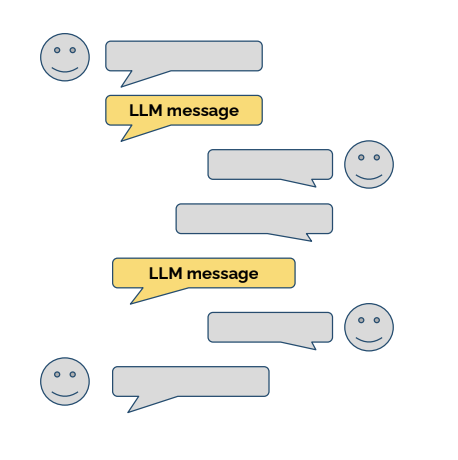
LLM OneShot generates a single, personalized message using an LLM.
- No multi-turn conversation
- Fully embedded into the rule-based flow
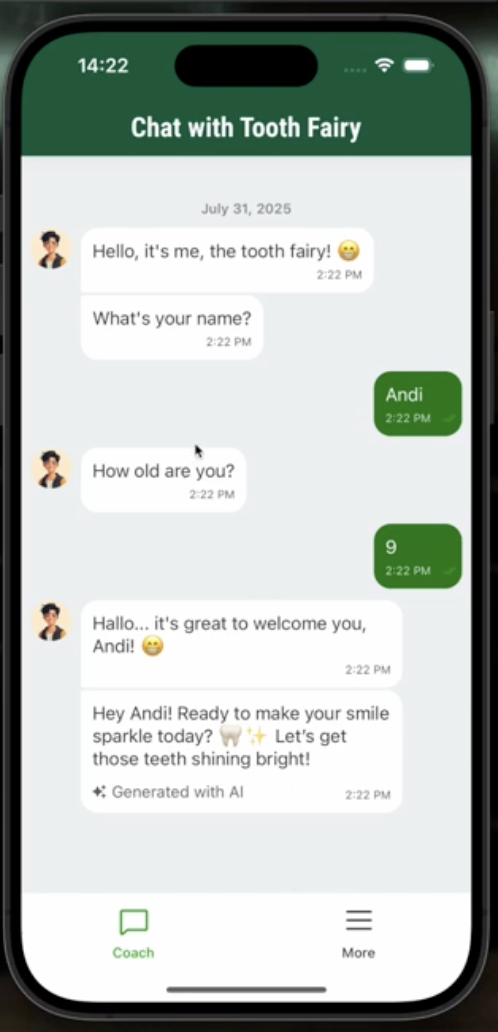
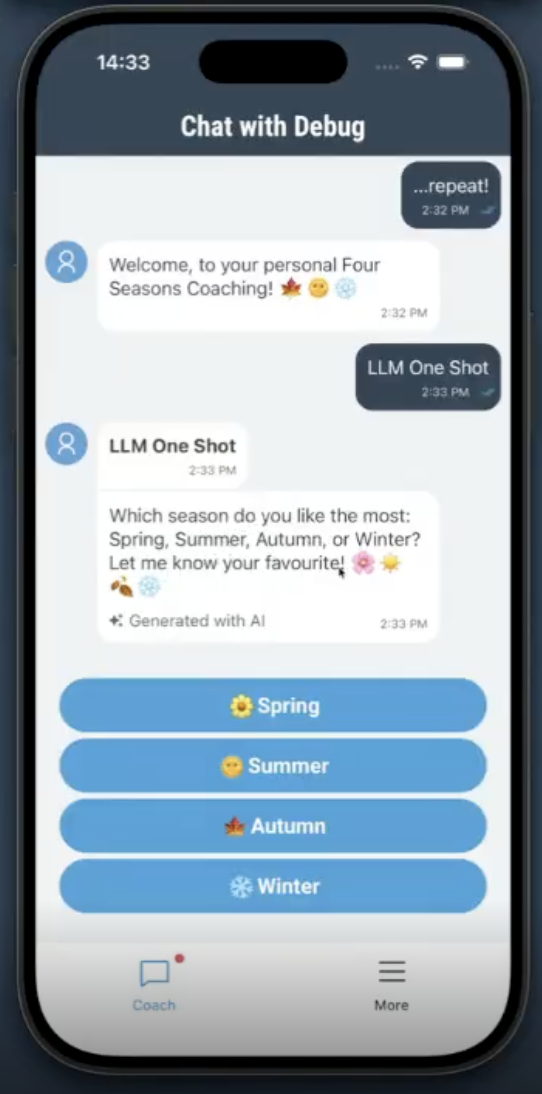
- App users experience it similar to a normal message, with an AI indicator
The main benefit is for coaching designers:
Highly personalized messages with many variations can be created with minimal effort.
2 Typical Use Cases
- Personalized feedback messages
- Motivational messages (e.g. encouraging questionnaire completion)
- Emotion-aware responses with positive reinforcement
3 Creating an LLM OneShot Message
- Go to Micro Dialogs
- Add a new message
- Select LLM OneShot as message type
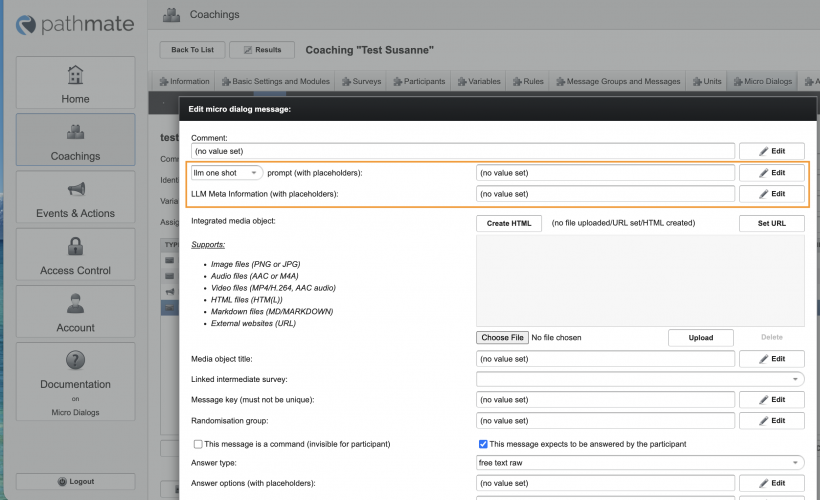
Compared to a normal message, two fields differ:
Prompt
Defines what the LLM should generate.
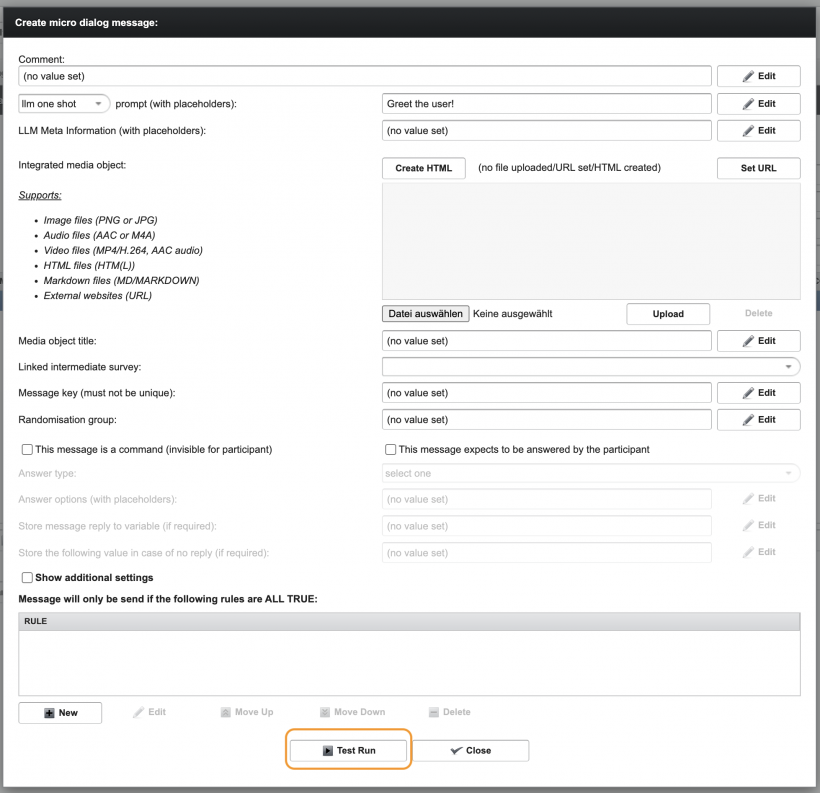
Example:
Greet the user.
Local LLM Meta Information (Optional)
Additional, message-specific meta information.
- Supplements the global LLM settings
- Optional
Test Run
Use Test Run in the editor to:
- Preview an example output
- See how the LLM interpreted the task
4 Visual Indicators
- LLM OneShot messages are marked as AI generated
- OneShots can:
- have no user reply
- request free-text input
- present selectable options
| |
|  |
|