CoachStudio Coaching Editor
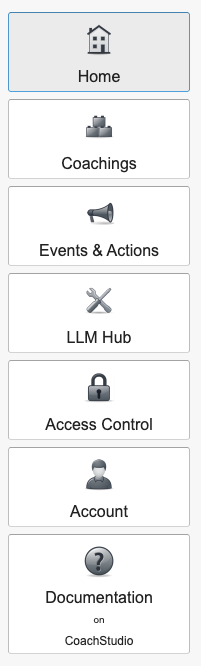
This chapter contains documentation on the key menus and features within the CoachStudio Coaching Editor. The structure of this documentation mirrors the editor's menu layout, ensuring that all essential information regarding its primary functions and menus is readily accessible. After signing in, the main menu will be displayed on the left-hand side of the screen:
- Home: Returns to the main menu.
- Coachings: Access and edit your coaching dialogues.
- Events & Actions: Manage service channel news and questionnaires.
- LLM Hub: Connect and manage LLM providers and models for use in your coachings.
- Access Control: Configure user permissions.
- Account: Adjust your account settings.
- Documentation: Access detailed help articles.